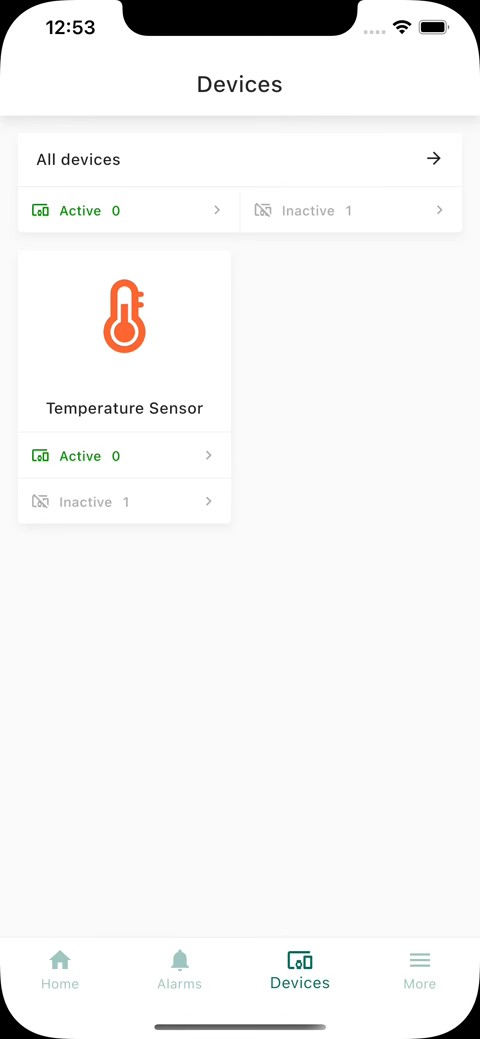
IoT Hub allows configuring device details dashboard to be displayed when tapping on the device with the specific type. Device details dashboard is configurable in the device profile form:
- Go to the Device profiles through the main menu on the left of the screen;
- Click on the device profile you want to modify;
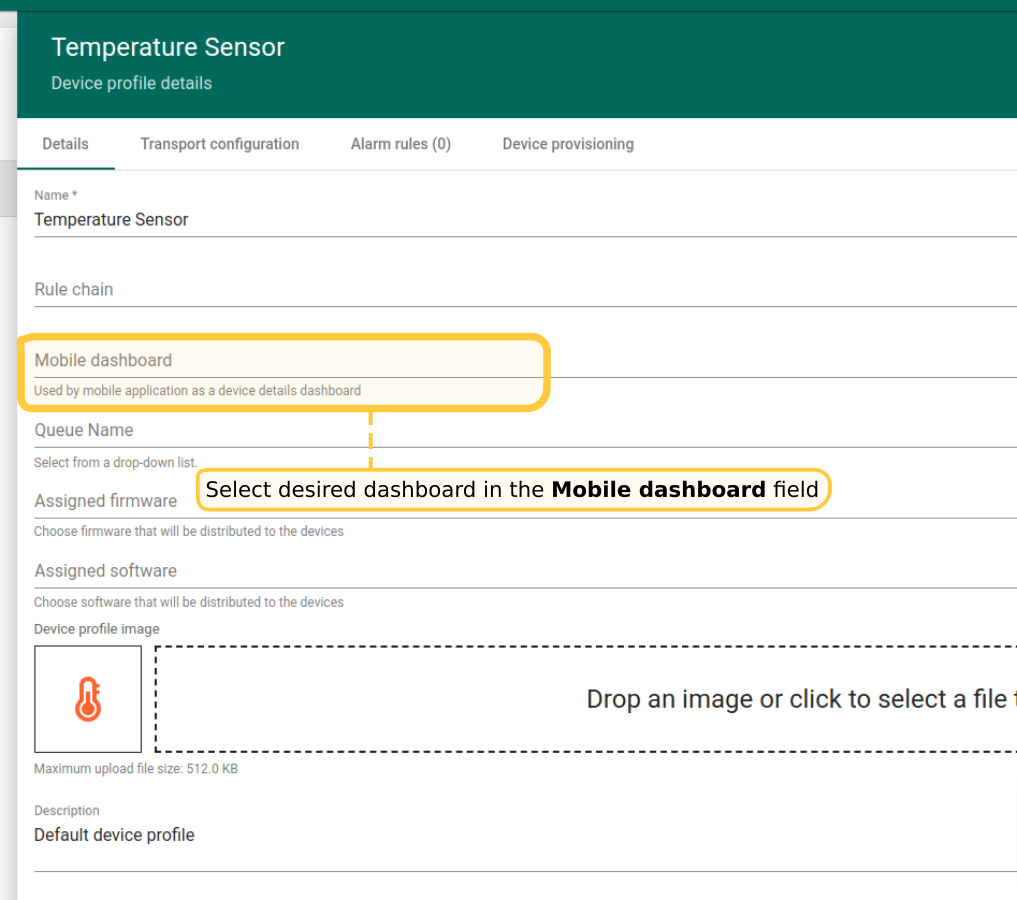
- In the opened device profile details click edit button;
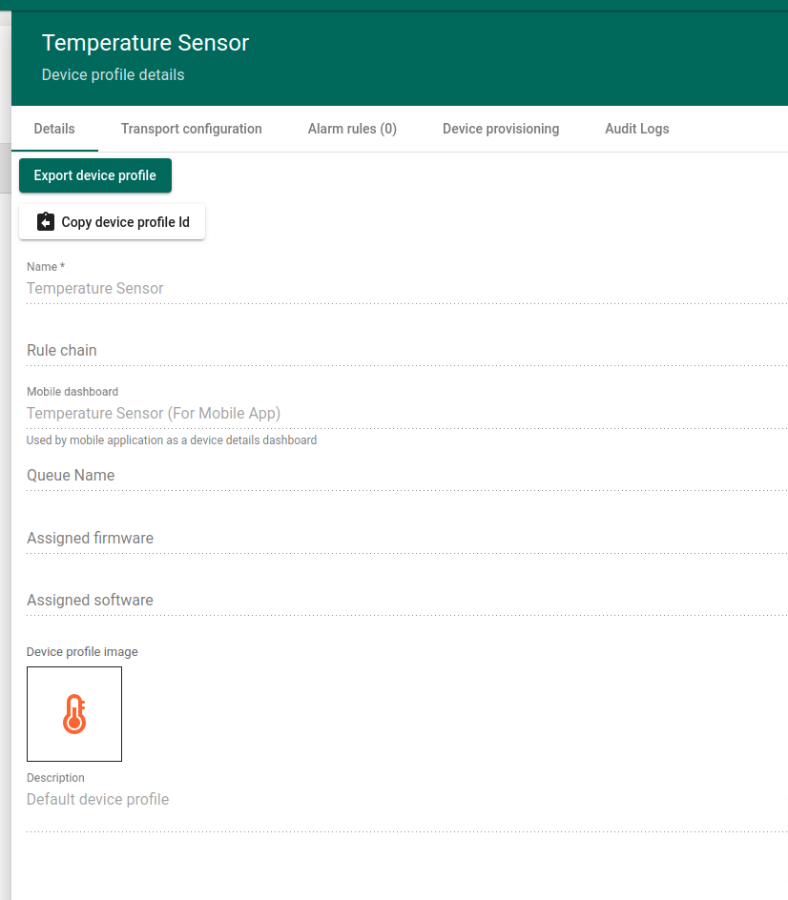
- Select desired dashboard in the Mobile dashboard field;
- Click Apply changes button;

To verify your configuration run the mobile app. Then navigate to the devices list. Tap on the device having type for which dashboard was configured.