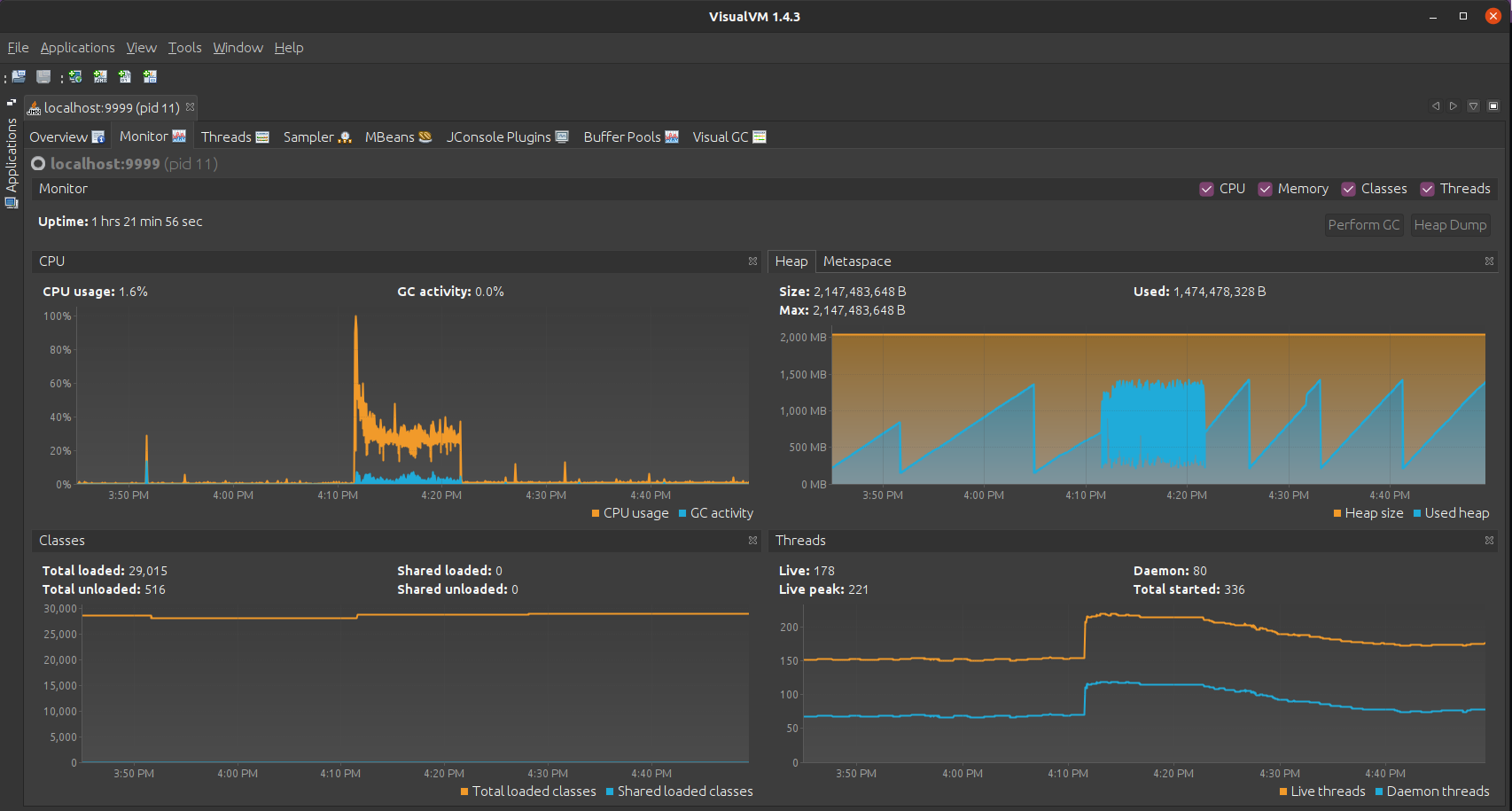
Monitor the IoT Hub Java application
To monitor IoT Hub application we will use the Visual VM
The JMX have been enabled in docker-compose.yml with this line
1
JAVA_OPTS: " -Dcom.sun.management.jmxremote -Dcom.sun.management.jmxremote.port=9999 -Dcom.sun.management.jmxremote.rmi.port=9999 -Dcom.sun.management.jmxremote.authenticate=false -Dcom.sun.management.jmxremote.ssl=false -Djava.rmi.server.hostname=127.0.0.1"
Let’s forward JMX port from IoT Hub instance to the local machine
1
ssh -L 9999:127.0.0.1:9999 thingsboard
Now we can connect with VisualVM to the IoT Hub application and discover the internals